Builders
For founders, operators, and ambitious people who turn ideas into action and want the busywork out of the way.
THE AI-FIRST BROWSER
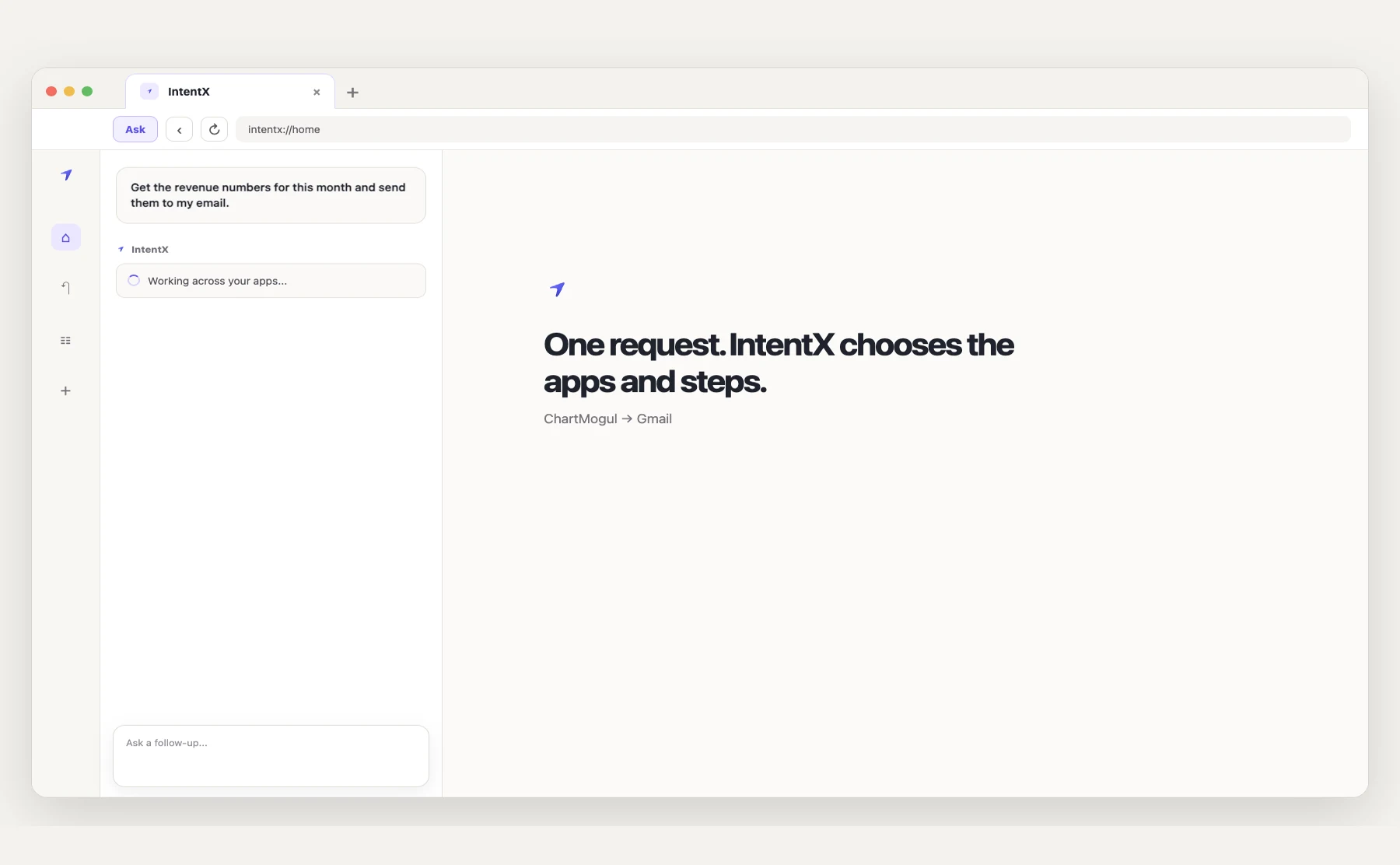
IntentX brings your browser, apps, tools, and the web together. Ask a question or give it a task, and IntentX finds the information you need or helps you get it done without switching between different tools.
A simple task becomes a trail of tabs, copied context, and half-finished steps.
Who it’s for
For founders, operators, and ambitious people who turn ideas into action and want the busywork out of the way.
Turn scattered research and repetitive browser work into clear, repeatable workflows.
Move from research to drafts faster, without losing the useful details along the way.
Automate the browser tasks you repeat, maintain, and wish you could hand off.
One task, one context
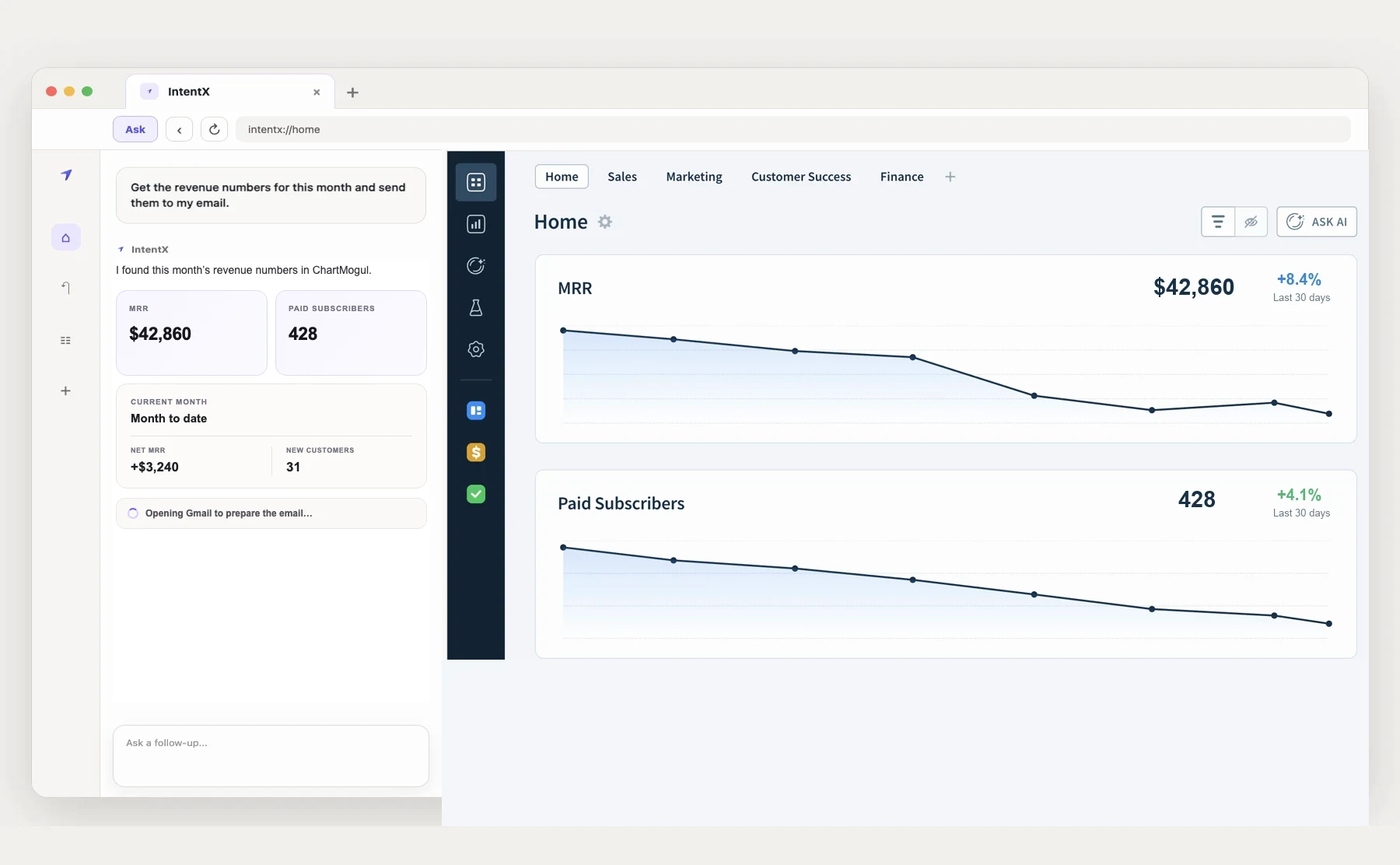
IntentX decides where to look based on what you ask. It can use the page you have open, your connected apps, APIs, MCP tools, or the web.
Ask naturally. IntentX can use the current page as context and keep the conversation with the task.
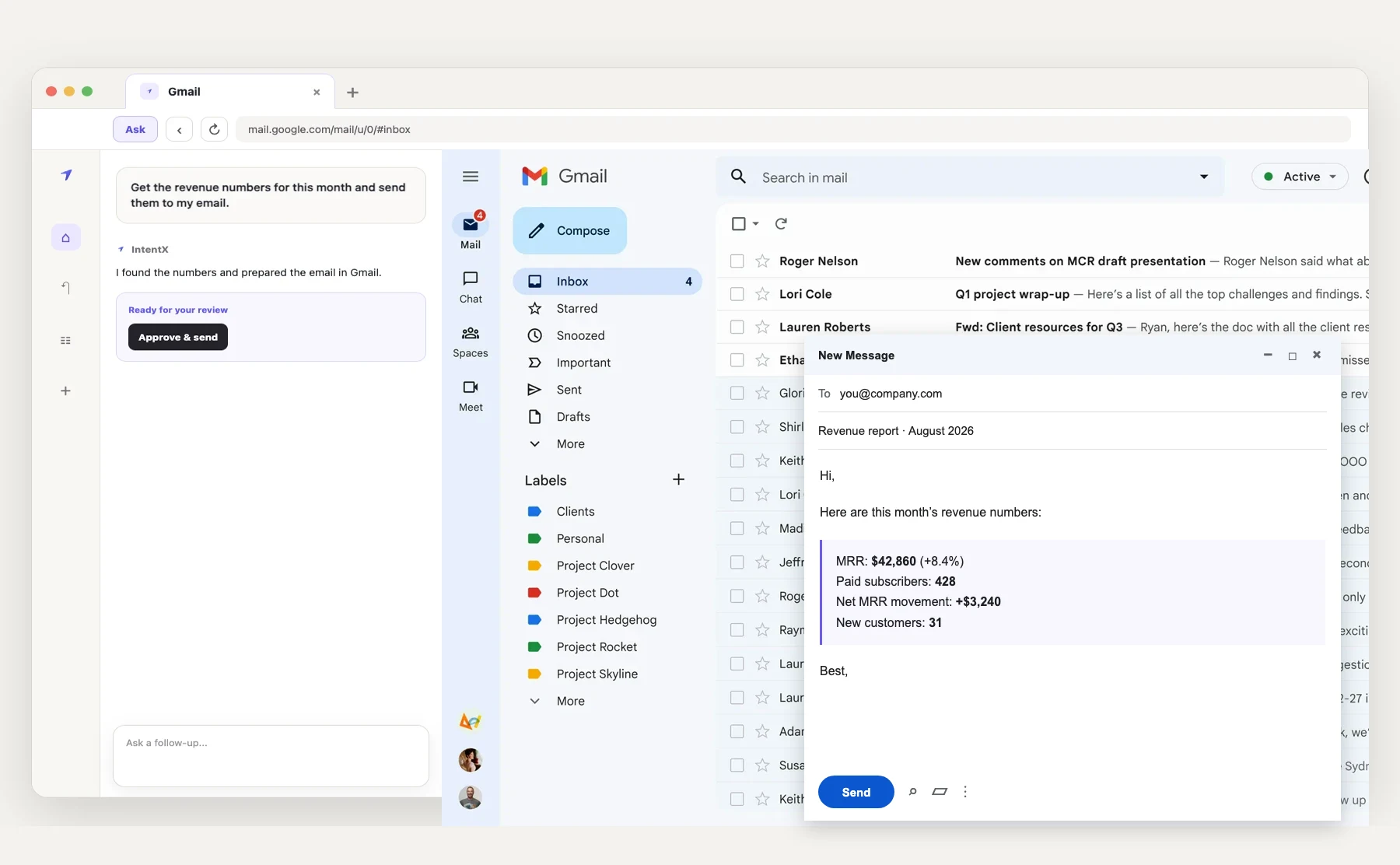
Continue into a connected app, API, or MCP tool, or let IntentX handle supported steps through your browser.
The browser stays available beside the conversation and result, ready for you to inspect or continue yourself.
More things to hand off
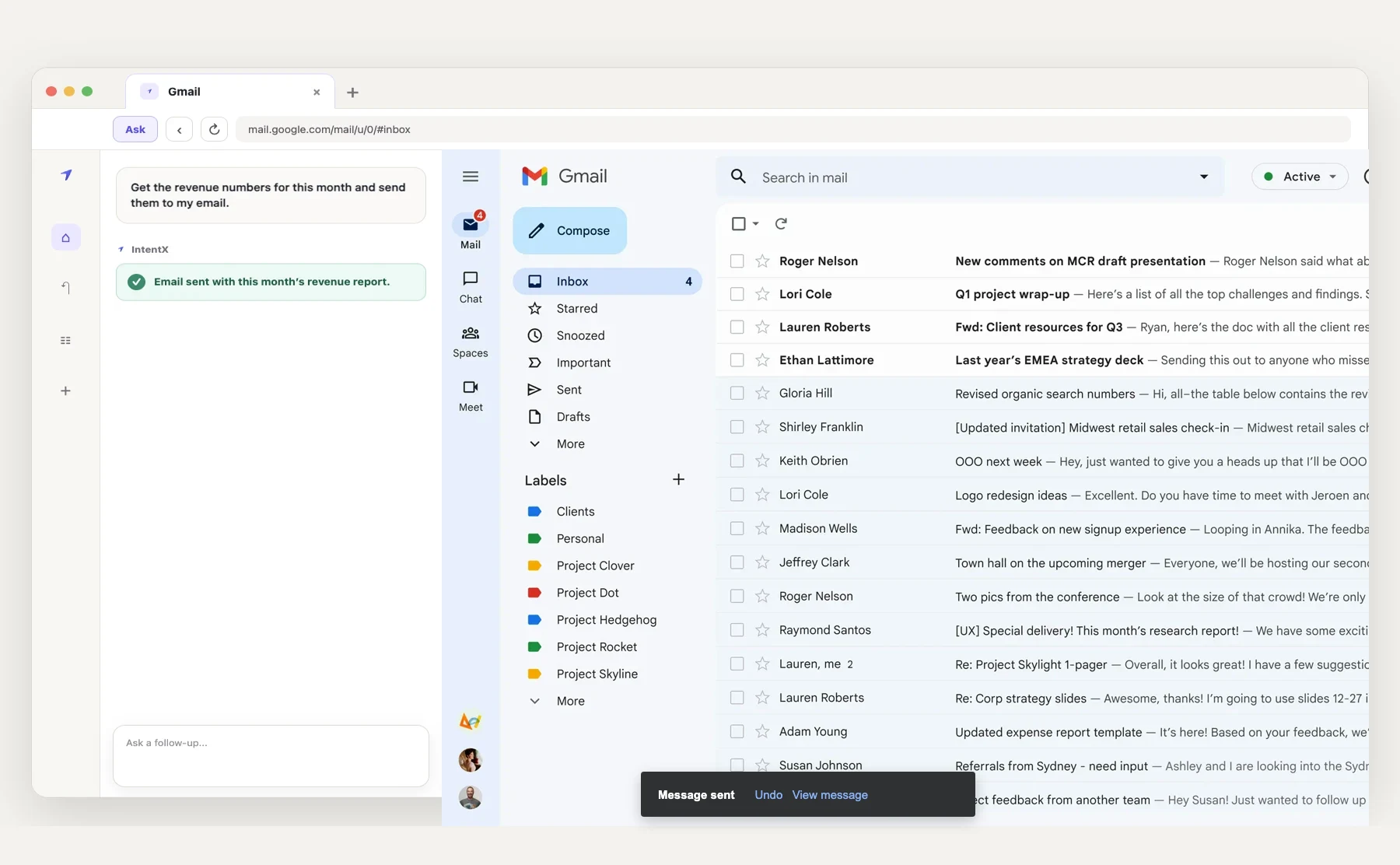
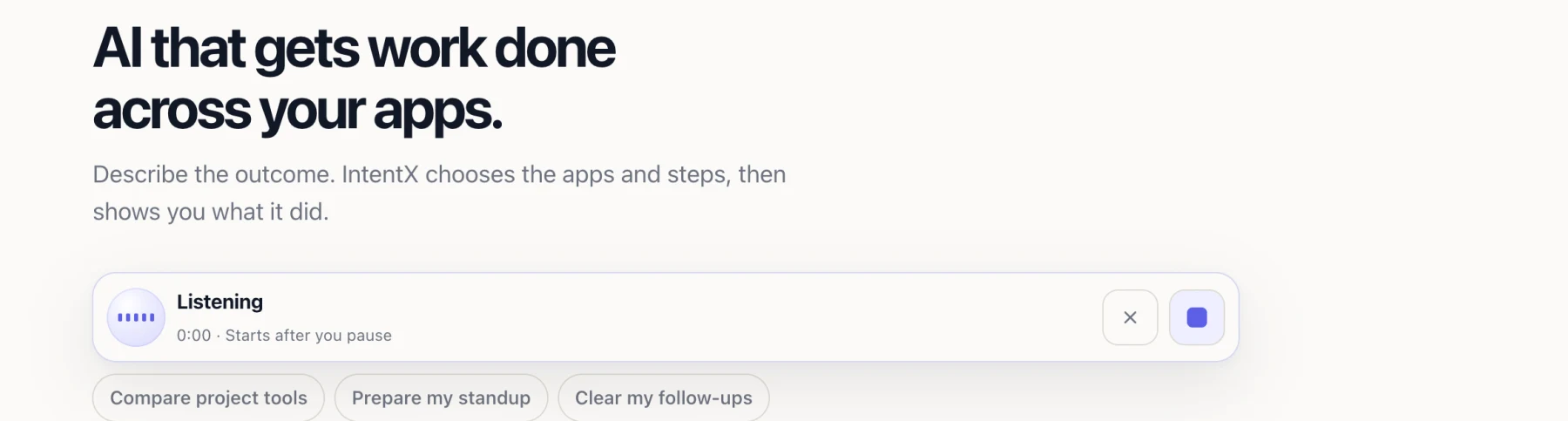
No prompt formula. Start with what you need done. IntentX works through the apps and pages, then shows you the result.
Need one number?
IntentX opens the signed-in dashboard, finds the number, and leaves the page there if you want to check its work.
Someone starts Monday
Give IntentX the new hire and the apps they need. It creates the account, sends the invites, and checks each step after you approve it.
Do this more than once?
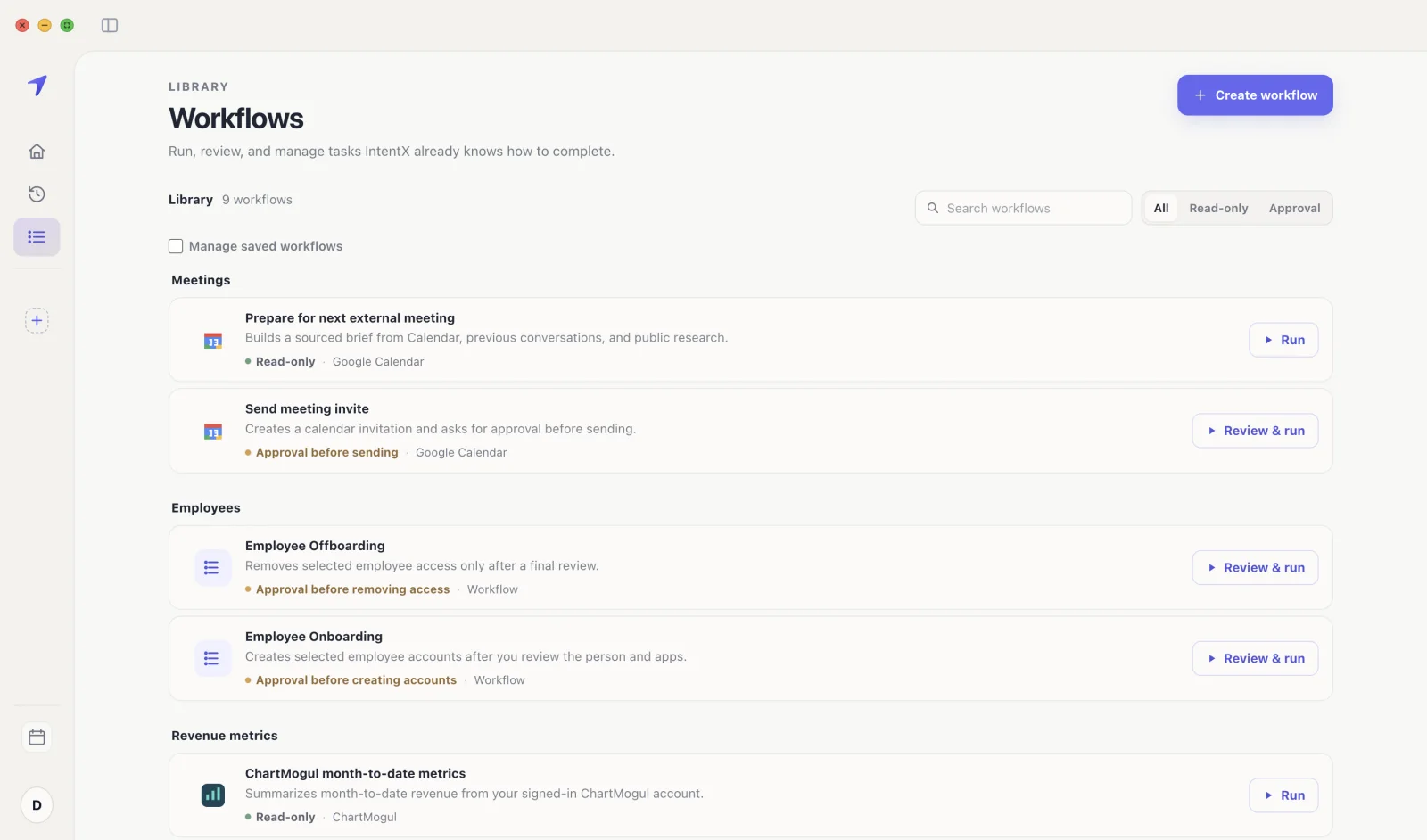
Finish the routine once, ask IntentX to remember it, then review the steps before you reuse them.
And the everyday things
Speak the request or type it. The same interface handles both.
Meeting scheduled Tomorrow · 11 PM
Order prepared Ready for approval
Good to know
IntentX is a full browser, not a chat window beside your other tools. It can search the web, answer from the page you are viewing, use connected tools, and complete supported steps in the same place.
Yes. When an app is connected, IntentX uses that connection. Otherwise it works through the browser session and the accounts you already signed into.
Yes. Ask a question about the page or tell IntentX what to do there. The tab stays available beside the result, so you can inspect it or keep browsing.
Not for supported external changes. You see the exact change and approve it first.
Yes. Press Option + Space to ask IntentX. You can also turn on Fn + Space dictation and the local “Hey Intent” or “Hey IntentX” wake phrase in Voice Settings.
It can prepare meeting briefs, read supported signed-in pages, make approved Google Docs edits, and save browser workflows.
The Mac beta supports Apple silicon, including M-series and A18 Pro Macs, and modern 64-bit Intel Macs running macOS 14 or newer, including Tahoe. A Windows 64-bit test build is also available; Linux is not supported yet.

Private beta
Request access for an Apple silicon or 64-bit Intel Mac running macOS 14 or newer, including Tahoe. We’ll email you when there’s room.